

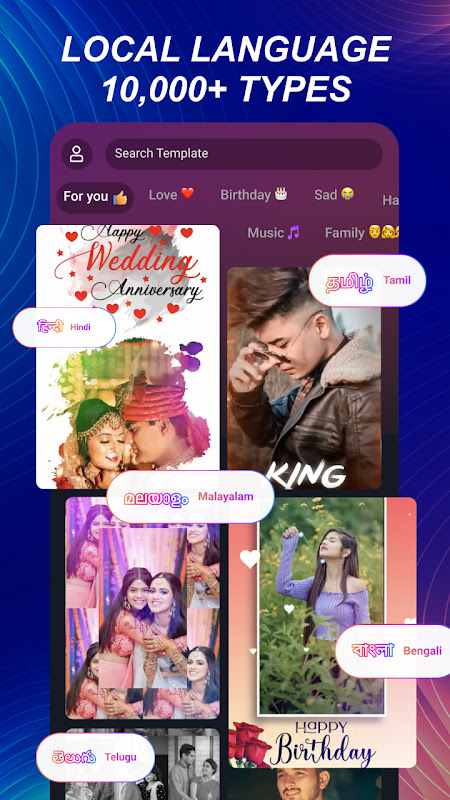
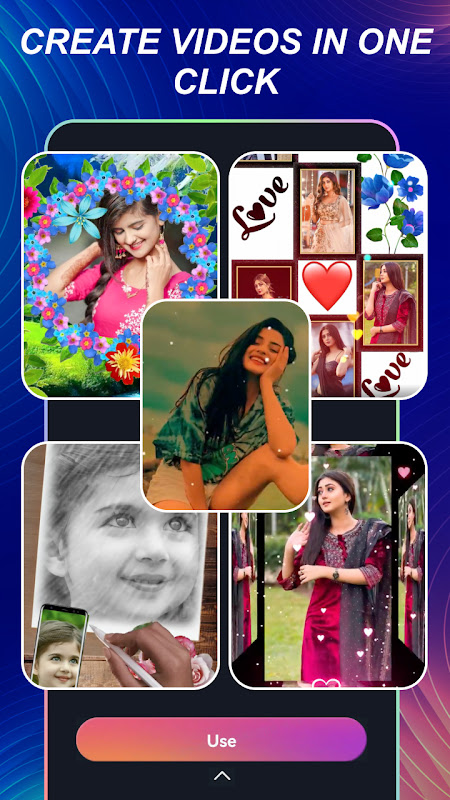
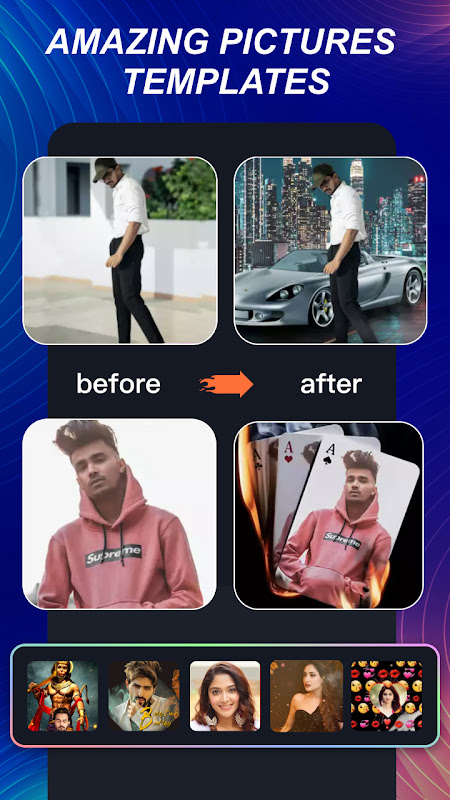
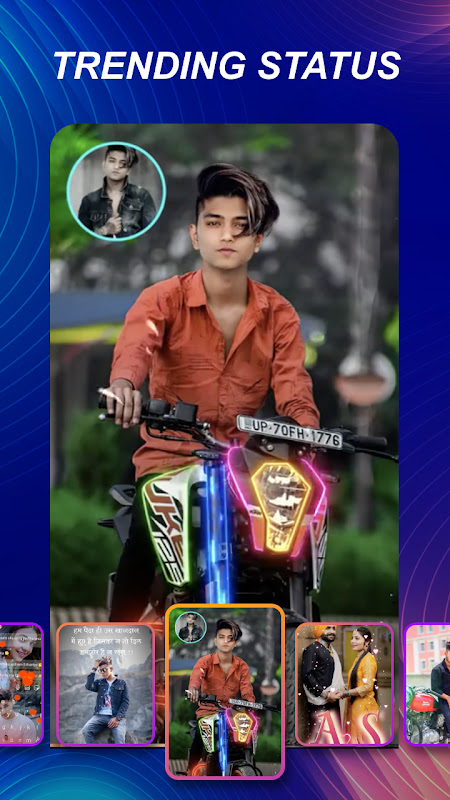
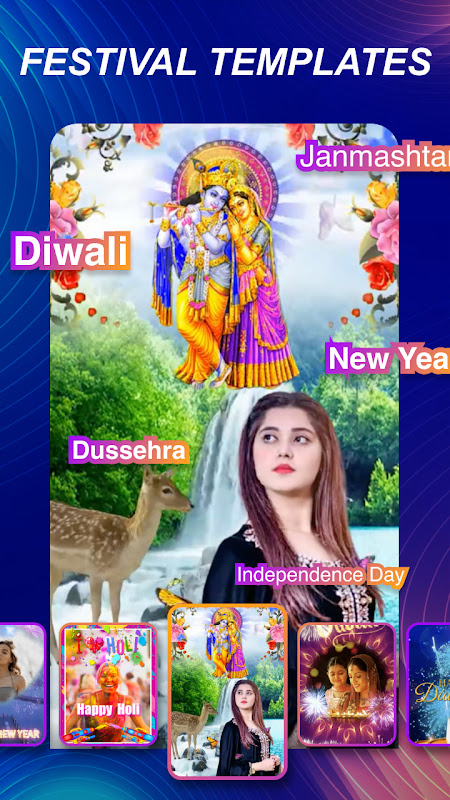
In today’s digital age, creating engaging video content for social media is more accessible than ever with the right tools. The mAst app empowers users to craft polished status videos and short clips directly from their Android devices. This application is ideally suited for social media enthusiasts, content creators, and anyone looking to share memorable moments with a professional touch, all without requiring advanced editing skills.
Intuitive Video and Photo Editing
The app provides a straightforward editing suite that simplifies the process of enhancing your videos and images. You can easily trim clips, merge multiple videos, and apply filters to achieve the desired look and feel. This user-friendly approach ensures that even beginners can produce high-quality content for their social media stories or status updates in just a few taps.
Dynamic Text and Sticker Integration
mAst allows you to personalize your videos by adding animated text and a wide variety of trendy stickers. You can choose from different fonts and colors to make your captions stand out, ensuring your message is clear and visually appealing. This feature is perfect for adding context, humor, or emphasis to your clips, making them more engaging for your audience.
Powerful Music and Audio Tools
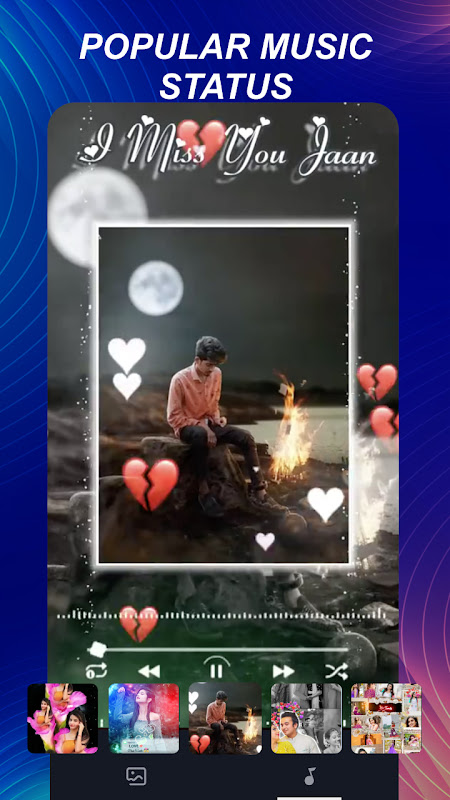
Elevate your videos by syncing them with your favorite music tracks or sound effects from an extensive built-in library. The app lets you precisely adjust the audio levels to ensure the sound complements the visuals perfectly. This capability is essential for creating mood-setting reels or memorable status updates that capture viewers’ attention from the very first second.
Advanced Video Effects and Filters
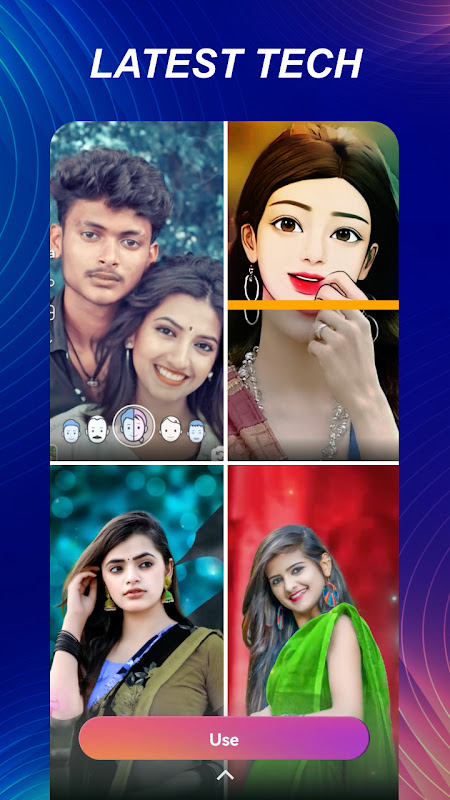
Transform the atmosphere of your clips with a rich collection of visual effects, speed controls, and beauty filters. You can apply cinematic filters to change the entire tone of your video or use slow-motion and fast-forward effects for dramatic impact. These tools give you creative control to produce unique content that reflects your personal style and vision.
One-Tap Social Media Sharing
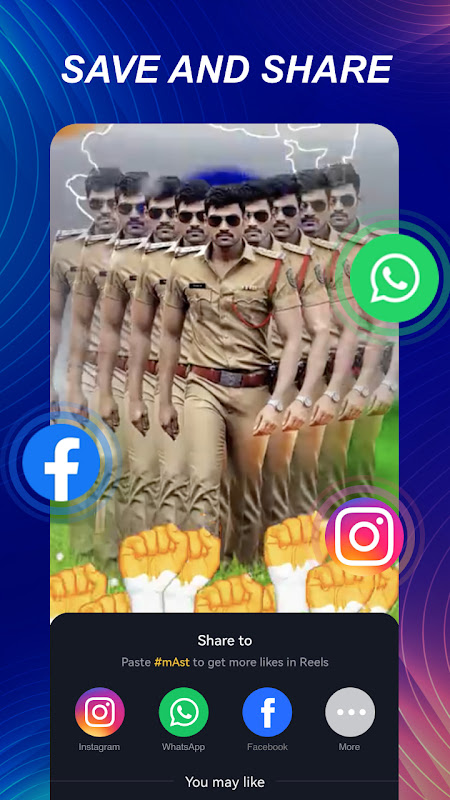
Once your creation is complete, mAst streamlines the sharing process with direct integration to popular social platforms. You can publish your status videos or edited photos to your stories or feeds without leaving the application. This seamless export functionality saves time and makes it incredibly convenient to maintain an active and vibrant social media presence.
Frequently Asked Questions
mAst is a video and photo editing application designed for creating and customizing status updates and short videos for social media. It provides tools for trimming, adding music, text, and effects to enhance your content quickly.
Yes, the app features an intuitive interface that simplifies the editing process, making it accessible for users of all skill levels. You can create polished videos with just a few simple taps and selections.
The app includes a vast library of licensed music and sound effects for you to use. This ensures you can find the perfect audio track to match your video’s theme while adhering to platform guidelines.
Videos created with the free version of the app may include a watermark. For a watermark-free experience and access to premium features, the app typically offers an in-app purchase to upgrade to a pro version.